
Healthcare organizations rely on appointment reminders, care gap messages, enrollment materials, billing notices, and other outreach to help patients and members take action. But emails can be overlooked, texts dismissed, and patient portal messages left unread.
Direct mail gives healthcare teams another way to reach people at home. Automation makes it scalable by connecting patient or member data directly to the systems that create, produce, and track each mailpiece.
Here’s how healthcare teams automate appointment reminders and member outreach by mail, from trigger logic and system integrations to compliance and delivery tracking.
Why direct mail still matters for healthcare outreach
Digital communication is essential, but it does not reach every patient or member equally. Some people rarely use patient portals, have limited digital access, or simply overlook electronic messages.
Direct mail can help close these healthcare engagement gaps by providing a physical reminder that does not require a login, internet connection, or smartphone.
Mail can help healthcare organizations:
- Reach patients who do not consistently engage with digital channels
- Reinforce email, text, and portal outreach
- Give recipients information they can keep and reference
- Support controlled, documented communication workflows
- Follow up when previous outreach has not led to action
The goal is not to replace digital communication. It is to avoid depending on a single channel for important healthcare messages.
How automated healthcare mail works
Traditional mail programs often require staff to export lists, transfer files, coordinate with print vendors, and manually track each campaign.
An API-driven direct mail workflow replaces many of those steps with a connected process.
Connect patient and member data
The workflow begins with an EHR, CRM, scheduling platform, billing system, or member database.
Approved information flows to the direct mail platform through an API, integration, or scheduled file transfer. Depending on the communication, that data may include:
- Patient or member name
- Mailing address
- Appointment details
- Provider or clinic information
- Enrollment status
- Language preference
- Care gap or billing status
This reduces the need for repeated list exports and manual uploads.
Trigger mail based on healthcare events
Healthcare teams define the events that should initiate a mailing. Useful direct mail triggers may include:
- An upcoming or missed appointment
- An overdue preventive screening
- A newly identified care gap
- A new member enrollment
- An approaching enrollment deadline
- A past-due balance
- No response to digital outreach
Teams can also create suppression rules so mail stops after the recipient confirms, schedules, pays, or completes another requested action.
Personalize, produce, and track the mailpiece
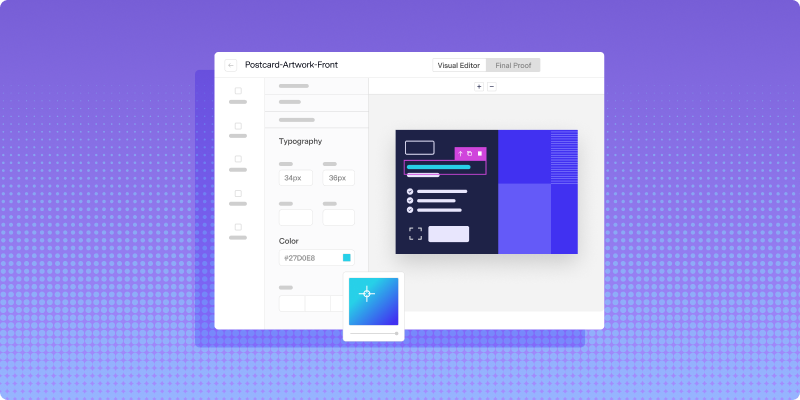
After a trigger fires, the platform combines an approved template with relevant patient or member data. Variable fields can include the provider name, appointment date, clinic location, language, or next step.
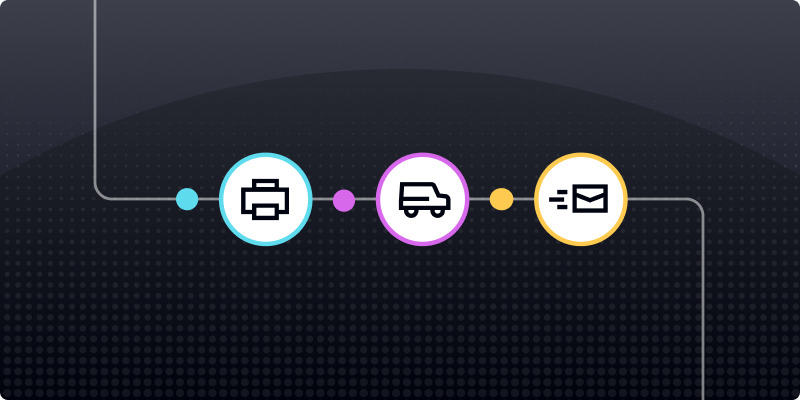
The platform then sends the piece into production and provides visibility into production and USPS tracking events. This helps teams determine whether time-sensitive outreach is likely to arrive before an appointment or deadline.
Types of healthcare communications you can automate
Appointment reminders are only one use case. Healthcare organizations can automate mail throughout the patient and member journey.
Appointment reminders and confirmations
Scheduling data can trigger a reminder several days before a visit. The mailpiece may include the date, time, provider, location, preparation instructions, and information about confirming or rescheduling.
Preventive care and care gap reminders
Provider groups and health plans can use quality or care management data to remind patients about wellness visits, screenings, vaccinations, or other preventive services.
New member onboarding
Enrollment confirmation can trigger welcome letters, benefit information, plan materials, and other onboarding communications.
Billing and balance notifications
A billing system can initiate a mailed notice when a balance becomes due or reaches a defined status. The piece may include payment instructions or financial assistance information.
Annual enrollment outreach
Healthcare organizations can schedule notices and deadline reminders based on enrollment periods, renewal dates, or eligibility data.
Benefits of automating patient and member mail
Automation improves both operational efficiency and the recipient experience.
Less manual work
Connected workflows reduce spreadsheet transfers, file preparation, list pulls, and repeated vendor coordination.
More consistent timing
Trigger-based mail enters production according to predefined rules instead of relying on staff to manually submit each campaign.
More relevant communications
Current data makes it possible to include the correct provider, location, language, appointment details, and next step.
Better visibility and measurement
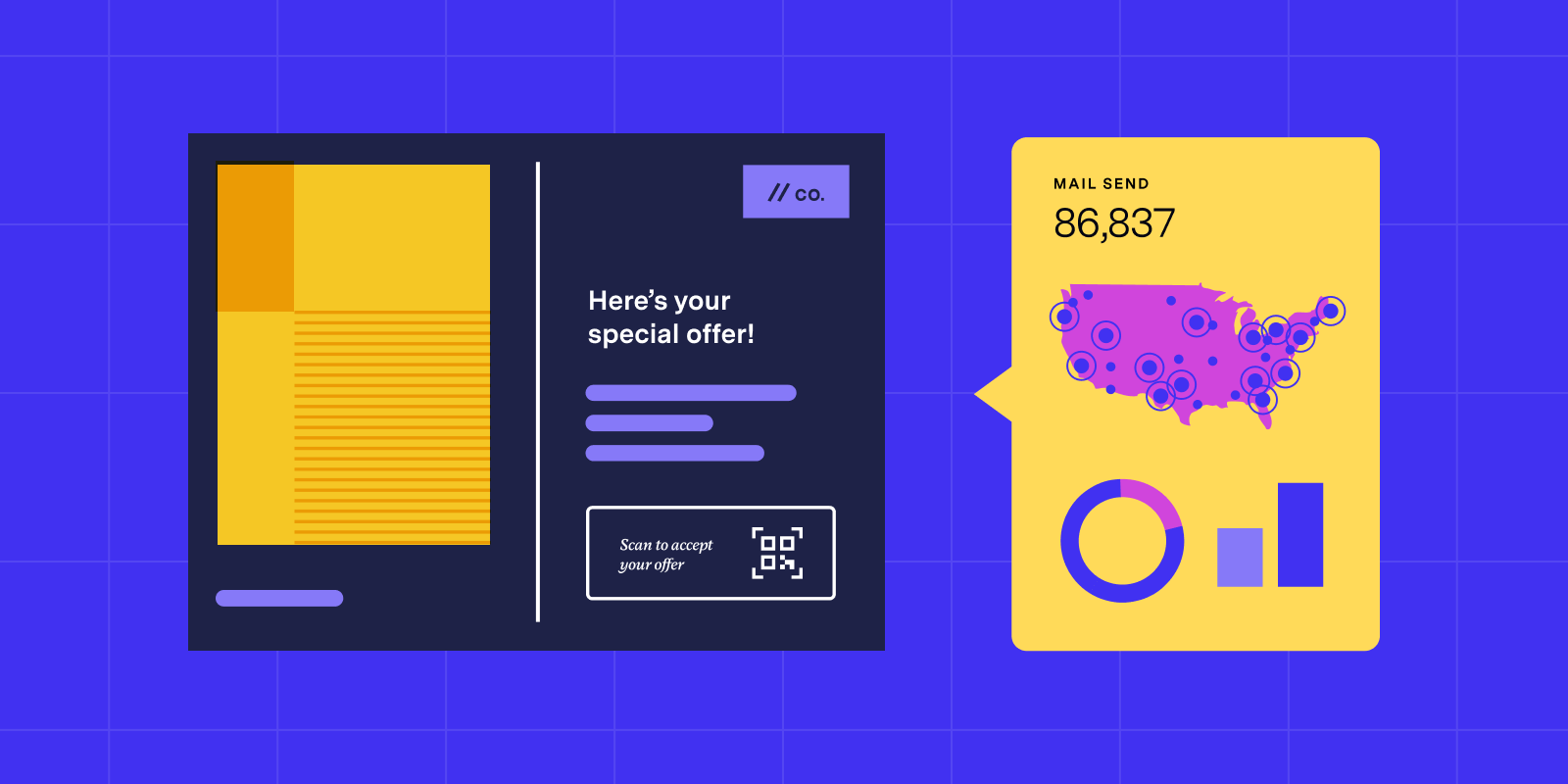
Production and postal tracking help teams review delivery progress, identify delays, and connect mailed outreach with patient or member actions.
How to build an automated healthcare mail workflow
Healthcare teams can use the following process to launch or improve an automated workflow.
1. Define the trigger
Identify the exact event that initiates the communication. Document the source system, timing, required data, exclusions, and conditions that should stop further outreach.
2. Segment the audience
Segment patients or members by appointment type, plan, language, clinic, care gap, communication history, or previous behavior.
A screening reminder should not use the same content or next step as a new member welcome letter or billing notice.
3. Create approved templates
Templates should include approved branding, disclosures, variable fields, and clear calls to action. Include only the information necessary for the recipient to understand and act on the message.
Legal, privacy, compliance, operations, and clinical stakeholders should review the workflow when appropriate.
4. Set timing and suppression rules
Define when each piece sends and whether follow-up is needed.
For example, a team might send a text first and trigger mail only when the patient has not responded. Suppression rules should stop future messages after the recipient takes action.
5. Test before scaling
Use test records or a limited audience to confirm that:
- Data transfers correctly
- Variable content renders properly
- Required disclosures appear
- Sensitive information is not exposed
- Tracking data returns to the correct system
- Timing and suppression rules work as intended
Connecting mail to healthcare systems
Healthcare organizations can connect direct mail to EHRs, CRMs, member platforms, and billing systems in several ways.
APIs
APIs support automated, event-based workflows. When an approved event occurs, the source system sends the required data directly to the mail platform.
Prebuilt or low-code integrations
CRM, marketing automation, and integration platforms can reduce implementation work for teams with common systems and straightforward trigger logic.
Scheduled batch files
Organizations that are not ready for a real-time integration can use scheduled, secure file transfers. This still reduces manual work while serving as a step toward full automation.
Regardless of the method, teams should confirm that data access, transfer, storage, and retention meet their security and compliance requirements.
Personalizing healthcare mail at scale
Personalization should make the message more useful, not simply add more patient data.
Approved variable fields may include:
- Provider or care team name
- Appointment date and time
- Clinic location
- Preferred language
- Visit preparation instructions
- Plan or benefit information
- Response or enrollment deadline
Conditional logic can also change instructions, clinic details, or contact information based on the recipient’s record.
Healthcare teams should limit personalization to the information needed for the communication’s purpose.
HIPAA and compliance considerations
Compliance should be built into the workflow from the beginning. A direct mail platform can support a healthcare organization’s compliance program, but no technology makes every mailing automatically compliant.
Important considerations include:
Business Associate Agreements
A vendor that handles protected health information on behalf of a covered entity may need to sign a Business Associate Agreement.
Secure data handling
Teams should evaluate encryption, access controls, audit logs, data retention, and production facility security.
Mailpiece design
Sensitive information should not be visible through an envelope window or exposed on the exterior of a mailpiece. Templates should include only the PHI necessary for the communication.
Approvals and audit trails
Documented compliance workflows for regulated direct mail can help organizations track template versions, approvals, user activity, send timing, and delivery events.
How to track delivery and measure results
Healthcare teams should measure more than the number of pieces submitted.
Lob’s production tracking tools provide visibility into production status, USPS processing events, delivery progress, expected in-home timing, and undeliverable mail.
Postal tracking shows movement through the mailstream, but it does not prove that a recipient opened or read the piece.
To measure response, teams can use QR codes, unique phone numbers, response codes, or personalized URLs.
Depending on the campaign, healthcare organizations may track:
- Appointment confirmations
- Scheduled visits
- Completed screenings
- Enrollment completions
- Payments
- Calls
- QR code scans
- PURL visits
- Form submissions
The most meaningful result is often whether the recipient completed the healthcare action the communication was designed to support.
Direct mail as part of a multichannel strategy
Direct mail works best when it complements digital channels.
Healthcare teams may send a text or email first, then trigger mail after no response. Mail can also serve as the primary channel for people with low digital engagement.
A connected strategy should stop follow-up across channels once the patient or member takes action. It should also sync delivery and response data back to the organization’s reporting or patient management systems.
What to look for in a healthcare direct mail platform
Healthcare organizations should evaluate:
- Security practices and support for BAAs
- API and integration flexibility
- Variable data and template controls
- Production quality and scalability
- Postal tracking and delivery visibility
- Reporting and data access
Lob’s security and compliance program includes encryption in transit and at rest, API and audit logs, SOC 2 Type 2 assessments, HIPAA/HITECH privacy audits, and support for BAAs.
Automate healthcare outreach without adding manual work
Healthcare teams should not have to choose between personalized communication and operational efficiency.
By connecting approved patient and member data to automated direct mail workflows, organizations can trigger timely outreach, reduce manual handoffs, and gain more visibility into delivery and response.
Lob helps healthcare organizations create, produce, and track personalized mail through secure, scalable workflows. Book a demo to explore automated appointment reminders, member communications, and other healthcare outreach.
Frequently asked questions about automating healthcare mail
FAQs

Are mailed appointment reminders HIPAA compliant?
HIPAA permits healthcare providers to send appointment reminders without obtaining separate patient authorization. Organizations should still use reasonable safeguards, limit the protected health information included, and make sure vendors handling sensitive data meet applicable security and contractual requirements.
How quickly can an automated appointment reminder reach a patient?
An automated workflow can submit a mailpiece for production as soon as a qualifying scheduling event occurs. Total delivery time depends on the production service level, mail class, destination, and USPS processing, so healthcare teams should build several days of lead time into appointment reminder workflows.
How does direct mail compare with text and email for appointment reminders?
Text and email work well for immediate updates, while direct mail provides a physical touchpoint that does not require a device, internet access, or patient portal login. Healthcare teams can use mail alongside digital channels or trigger it as a follow-up when a patient does not respond electronically.
Can health plans automate Medicare Advantage and Medicaid member outreach by mail?
Yes. Health plans can automate enrollment materials, care gap reminders, benefit communications, and required member notices. Each workflow should follow the applicable federal, state, program-specific, and plan requirements for content, timing, format, accessibility, and delivery.
Answered by: