Direct mail personalization starts with smart data integration and ends with tailored, well-timed experiences. The more tightly connected your data is to your creative, automation, and measurement tools, the more effective your campaigns will be.
Here are some ways to bring your customer data into direct mail.
Ways to pull in customer data
1. Upload CSVs or audience lists
The simplest way to bring customer data into a direct mail platform is by uploading a CSV file. Include merge variables like name, address, and past purchases, then map those to your creative. While manual, this method works well for one-time campaigns or small-scale programs.
2. Use native integrations with CRMs and CDPs
Many platforms integrate directly with tools like Salesforce, Braze, or Iterable, making it easy to pull in real-time customer data without exporting lists. This enables better targeting and streamlines campaign workflows across marketing channels.
3. Connect via APIs for custome automation
APIs let you connect your direct mail platform to your existing systems, whether that’s a custom database, ecommerce platform, or marketing automation stack. This allows for dynamic, real-time sending based on behavioral triggers and removes manual steps from your workflow.
Ways to personalize the experience
1. Use dynamic HTML templates and merge variables
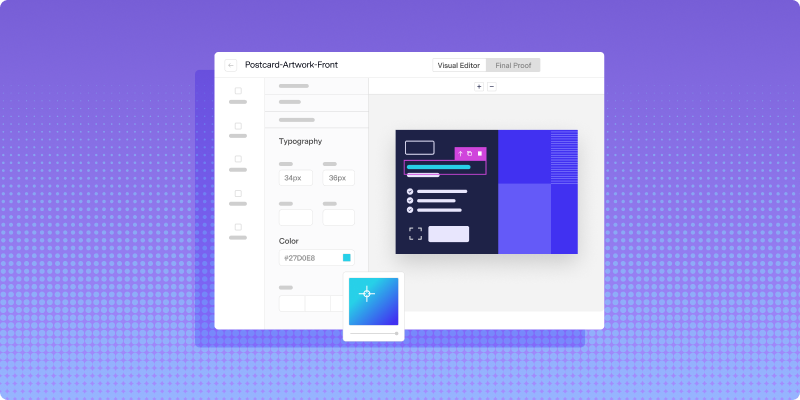
Once your data is in place, you can build modular templates that pull in personalized details like name, product recommendations, images, or localized messaging. Using HTML templates with merge variables ensures every mailpiece feels custom without recreating the design each time.
2. Personalize timing through automated workflows
Behavioral triggers like a cart abandonment, milestone, or churn risk can automatically initiate mail sends. This keeps your outreach timely and relevant, and eliminates the lag that often comes with manual batching or fixed cadences.
3. Feed mail data back into your broader strategy
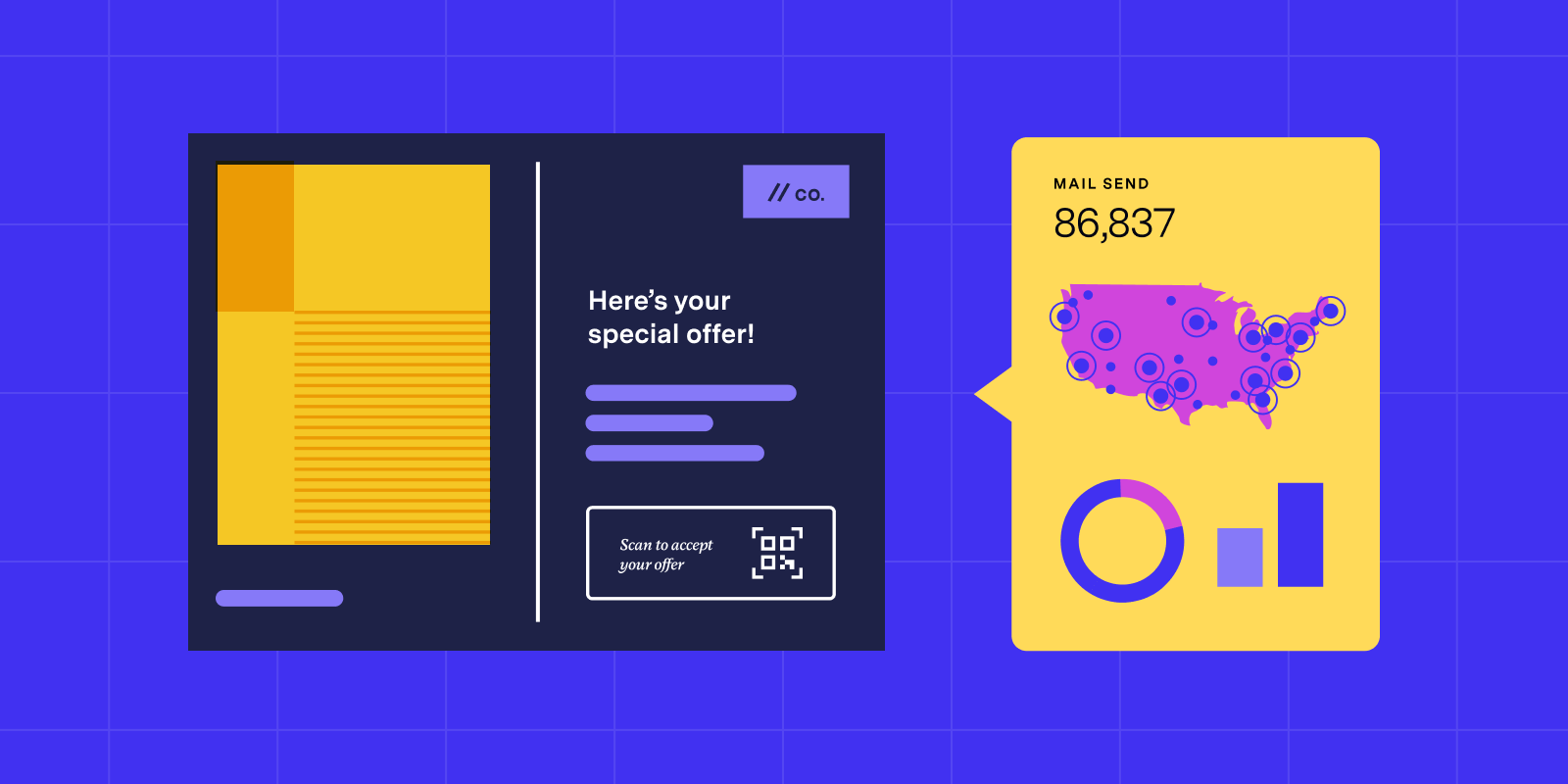
Track delivery and engagement (e.g., scan rates, conversions) and push that data back into your CRM or analytics tools. This helps you refine targeting, identify what content works best, and coordinate follow-up across email, SMS, or digital ads.
Want to go deeper on personalization?
Check out the ebook A marketer's recipe for omnichannel success for way to personalize across channels.
FAQs

Answered by:

Eamon Barisone,
Principal Solutions Engineer