
Most marketing teams already use CRM events to trigger emails, texts, and sales tasks. The same model can automate direct mail.
When a customer reaches a meaningful point in their journey, a CRM workflow can send their information to a direct mail platform. The platform personalizes the mailpiece, routes it to production, and tracks its progress without requiring someone to export a spreadsheet or coordinate with a print vendor.
This guide explains which CRM events make effective direct mail triggers, how to connect your systems, and how to build workflows that account for address quality, delivery timing, and attribution.
What CRM-triggered direct mail means
CRM-triggered direct mail is initiated by a customer event or data change rather than a fixed campaign schedule.
The workflow generally includes three components:
Trigger: A specific CRM event, such as a lead becoming qualified, a customer reaching a renewal window, or an account crossing an inactivity threshold.
Action: An automated workflow sends the appropriate customer and campaign data to the direct mail platform.
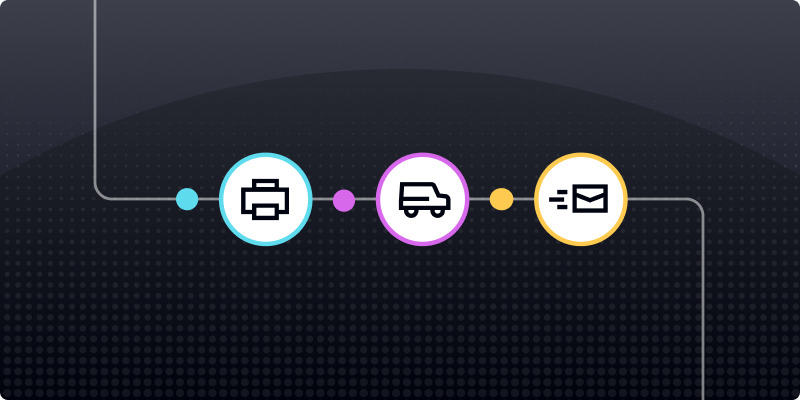
Output: The platform creates, prints, and mails a personalized piece without a manual file handoff.
This differs from a batch campaign sent to a full list on a particular date. Triggered mail responds to what an individual customer does or when their account meets defined criteria.
For example:
- A welcome postcard is triggered after account creation.
- A retention offer is triggered after 90 days of inactivity.
- A renewal reminder is triggered before a subscription expires.
- A follow-up letter is triggered when a qualified lead stops responding digitally.
The trigger starts the process, but the mailpiece still requires time for production and delivery. Workflows should be designed around when the piece is expected to arrive, not only when the CRM event occurs.
Learn more about how direct mail automation works.
CRM events that work well as direct mail triggers
Not every CRM update warrants a physical mailpiece. Direct mail is most useful for valuable, time-sensitive moments when a tangible communication can reinforce or outperform another digital message.
Lifecycle and onboarding events
A physical welcome piece can reinforce the customer’s decision shortly after signup, activation, or purchase.
Common triggers include:
- New account created
- First purchase completed
- Membership activated
- Customer onboarding started
- New service enrollment completed
Behavioral and engagement events
Behavioral triggers respond to actions customers take—or fail to take—across digital channels.
Examples include:
- Cart abandoned
- Application left incomplete
- Product viewed repeatedly
- Content downloaded
- Email sequence completed without conversion
- High-intent website activity
Direct mail often works best as an escalation after digital follow-up has not produced a response. Suppression rules should prevent the mailpiece from being sent when the customer converts before production begins.
Transactional and purchase events
A purchase, account update, or service event can initiate a useful physical communication.
Possible triggers include:
- Order completed
- Service activated
- Payment received
- Account information changed
- Purchase anniversary reached
- High-value transaction completed
Transactional communications may contain sensitive information or required disclosures, so teams should apply the appropriate security and approval controls.
Win-back and churn-risk events
CRM data can identify customers who may be disengaging before they are fully lost.
Potential triggers include:
- No purchase within a defined period
- Subscription cancellation requested
- Renewal date approaching
- Payment failed
- Engagement score dropped
- Customer marked at risk
Because physical mail takes time to produce and deliver, the trigger may need to fire before the customer officially churns.
Milestone and loyalty events
Milestone communications recognize customers who already have an established relationship with the brand.
Examples include:
- Customer anniversary
- Birthday
- Loyalty tier upgrade
- Referral completed
- Renewal milestone
- Spending threshold reached
How to choose the right CRM trigger
Teams often weaken triggered programs by mailing on too many minor events. Broad triggers increase costs and can make the communication feel repetitive rather than meaningful.
Evaluate each potential trigger using four criteria:
Customer value: Is the customer or potential conversion valuable enough to justify the cost per piece?
Timing sensitivity: Will the message lose relevance if it arrives too late?
Digital saturation: Have email, SMS, or other digital channels already failed to generate a response?
Data completeness: Do you have a valid mailing address and the personalization fields required for the campaign?
The strongest triggers usually satisfy several of these conditions.
How to connect a CRM to a direct mail platform
There are three common ways to connect CRM events with direct mail. The best approach depends on your technical resources, workflow complexity, and need for customization.
Native CRM integrations
A native or prebuilt integration is usually the fastest option.
Teams can configure triggers, map CRM fields, and select direct mail actions through an existing interface. This works well for common workflows and teams without dedicated engineering resources.
The tradeoff is that native integrations may provide fewer options for custom logic, data transformation, or connections with additional systems.
API and webhook workflows
APIs and webhooks provide greater control over how CRM events initiate direct mail.
An engineering team can:
- Create custom trigger logic
- Pull data from multiple systems
- Apply complex eligibility rules
- Select templates based on customer data
- Send production and tracking events back to the CRM
A physical mail API allows software systems to create and send mail using structured data rather than manual file uploads.
This approach requires more development and testing, but it is often better suited to high-volume or operationally complex programs.
iPaaS and no-code connectors
Integration-platform-as-a-service and no-code tools provide a middle ground between a native integration and a fully custom API build.
They can pass data between a CRM and direct mail platform without requiring a large development project. This approach can work well for testing a new trigger, building a proof of concept, or supporting workflows that need more flexibility than a native connector offers.
How to set up a triggered direct mail workflow
A reliable workflow requires more than selecting an event and turning on an automation.
Step 1: Define the trigger precisely
Choose the exact field change, status, or customer event that should initiate the workflow.
For example:
- Lead status changes to qualified
- Renewal date is 30 days away
- Days since last purchase reaches 90
- Subscription status changes to canceled
Avoid broad conditions such as “contact updated,” which can fire when an unrelated field changes.
Step 2: Add eligibility and suppression rules
Define who should and should not receive the mailpiece.
The workflow might exclude customers who:
- Have already converted
- Do not have a valid mailing address
- Received the same piece recently
- Opted out of applicable communications
- No longer meet the original trigger criteria
- Belong to an excluded region or segment
These rules prevent unnecessary sends and reduce customer frustration.
Step 3: Map and validate customer data
Determine which CRM fields the direct mail platform needs.
Typical fields include:
- Name
- Mailing address
- Customer or account identifier
- Offer details
- Relevant dates
- Personalized message fields
- Unique QR code or URL data
Address quality is one of the most common failure points in automated workflows. Running address verification before direct mail production can identify incomplete or undeliverable records before printing and postage costs are incurred.
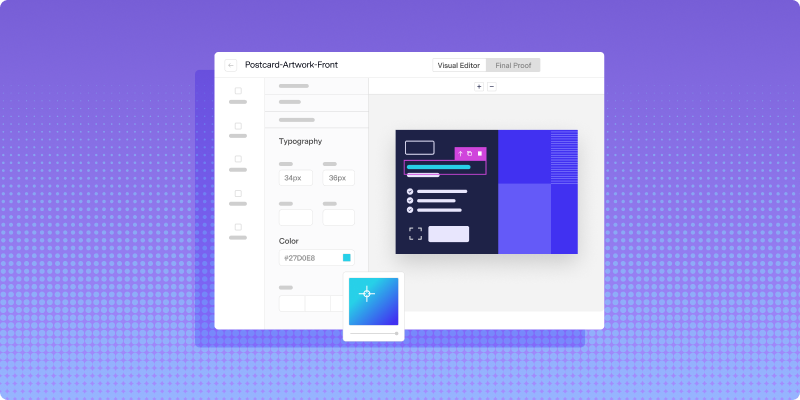
Step 4: Build and approve the creative
Create a reusable template containing the required static and dynamic content.
Dynamic fields might display:
- Customer name
- Account information
- Recommended product
- Renewal date
- Local representative
- Personalized offer
- Unique response code
Review multiple test records rather than approving a single sample. This helps catch long names, missing fields, conditional-content errors, and other variations.
Step 5: Configure timing
Set delays and production rules based on when the piece should arrive.
For example, a workflow might:
- Send immediately after a high-value event
- Wait 24 hours to confirm the customer has not converted
- Trigger several days before a renewal window
- Pause over weekends or holidays
- Combine eligible pieces into a more efficient production run
Rather than planning only from the CRM trigger, work backward from the desired in-home date and account for production and USPS transit time.
Step 6: Test the complete workflow
Before launching, verify:
- The correct event activates the workflow
- Suppression rules work
- CRM fields map to the correct template locations
- Addresses are validated
- The correct mail format and class are selected
- Production and tracking updates return to the appropriate system
- Duplicate events do not create duplicate mailpieces
Testing should include both successful sends and records that are supposed to be rejected or suppressed.
Step 7: Launch and optimize
After launch, monitor production, delivery estimates, responses, and conversions.
Triggered programs should be reviewed regularly. Customer behavior, data quality, creative performance, and delivery conditions can change over time.
How to personalize triggered direct mail with CRM data
Triggered direct mail can use the same customer data that personalizes digital campaigns.
Basic personalization might include a recipient’s name, while more advanced workflows can change the offer, message, imagery, or call to action.
Useful CRM fields may include:
- Customer lifecycle stage
- Last purchase
- Product interest
- Loyalty status
- Geographic location
- Account representative
- Renewal date
- Estimated customer value
- Recent digital activity
Conditional logic allows one template to display different content based on those fields. Teams can also personalize direct mail beyond basic name fields by tailoring imagery, offers, messaging, and calls to action.
Personalization should remain relevant and accurate. Using sensitive, outdated, or unexpected data can make a mailpiece feel intrusive rather than helpful.
How to measure CRM-triggered direct mail
Direct mail does not provide an email-style open event, but teams can still measure production, postal activity, response, and conversion.
Production and delivery visibility
Production events can indicate when a mailpiece was approved, printed, and handed off for mailing.
USPS scan data can then provide visibility into how the piece moves through postal processing. These events support delivery estimates, but they should not be treated as guaranteed mailbox confirmation.
Response rate
Use trackable response mechanisms such as:
- QR codes
- Personalized URLs
- Unique promotional codes
- Dedicated phone numbers
- Campaign-specific landing pages
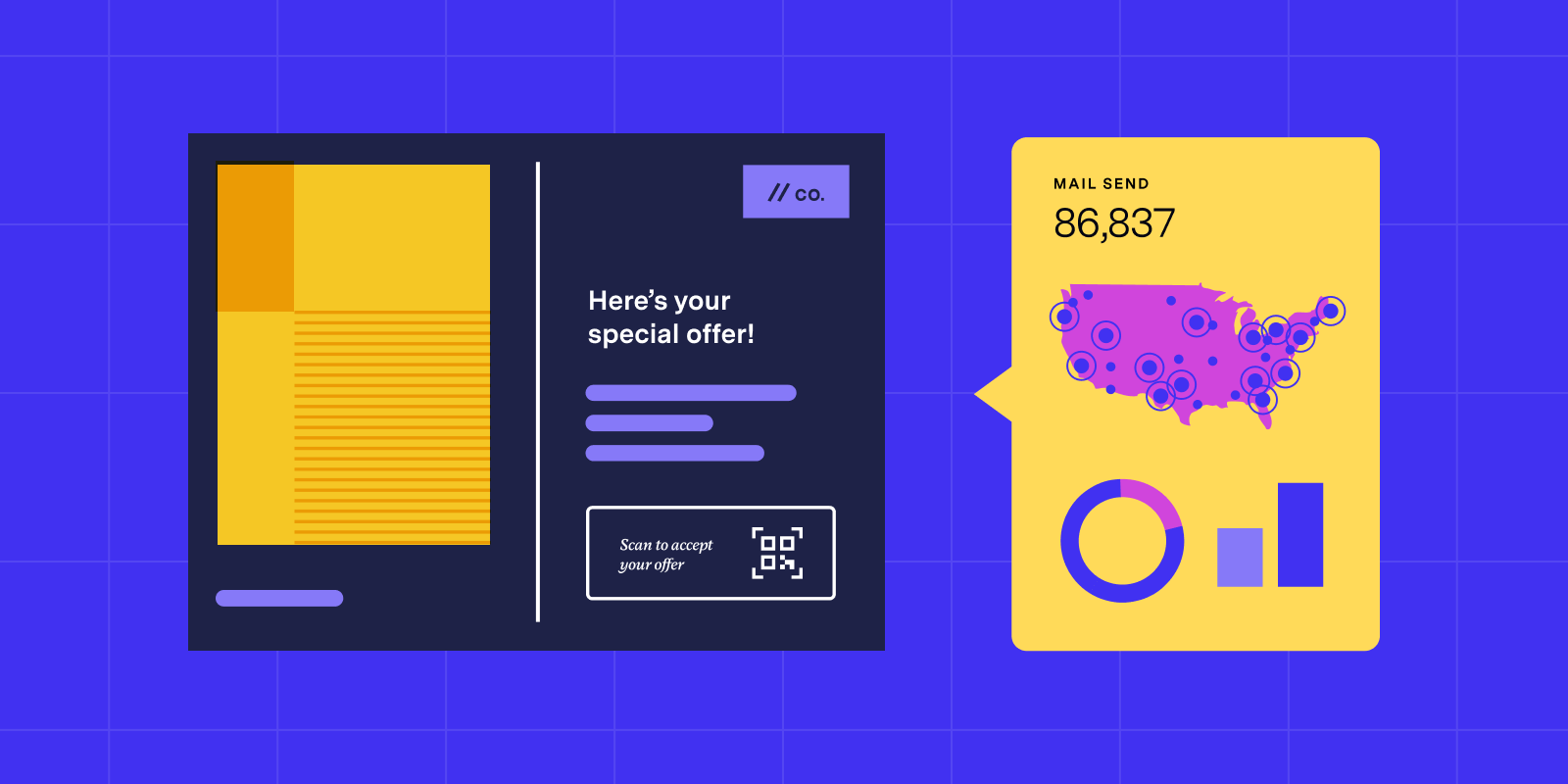
Dynamic QR code tracking can connect each mailpiece with a specific recipient, campaign, or offer while directing customers to personalized digital experiences.
Conversion rate
Track whether the recipient completed the action associated with the CRM trigger, such as:
- Completing a purchase
- Renewing a subscription
- Scheduling an appointment
- Activating an account
- Returning to the website
- Responding to a sales representative
The conversion window should account for production and delivery time.
Cost per conversion
Compare the total printing, postage, platform, and offer costs with the number of conversions generated.
This helps teams determine which customer segments and trigger events justify continued investment.
Attribution beyond matchback
Traditional matchback compares a mailed audience with later conversion records, but it may not show whether the mailpiece directly influenced the action.
A stronger approach combines matchback with QR codes, personalized URLs, promo codes, CRM activity, and control groups. Learn more about why traditional matchback may not be enough.
Common CRM-triggered direct mail mistakes
Triggering from stale or incomplete data
Outdated addresses and missing personalization fields lead to failed deliveries and incorrect mailpieces.
Validate customer data before production rather than cleaning it after the workflow has already fired.
Ignoring expected delivery timing
The trigger date is not the arrival date.
Build production and USPS transit time into the workflow, especially for renewal, win-back, event, and deadline-driven campaigns.
Using triggers that are too broad
A trigger such as “contact updated” can generate mail for minor or unrelated CRM changes.
Use narrow, meaningful conditions and confirm that the recipient still qualifies before the piece enters production.
Failing to suppress customers who convert
A customer may complete the desired action after the trigger fires but before the mailpiece is produced.
A final eligibility check can prevent irrelevant reminders or offers from being sent.
Treating mail as a standalone channel
Triggered direct mail works best when it supports the broader customer journey.
CRM data can coordinate mail with email, SMS, advertising, sales outreach, and customer service. Response data should also flow back into those systems so the next interaction reflects what the customer has already received or done.
Launching without ongoing monitoring
Automated does not mean maintenance-free.
Review rejection rates, address issues, production delays, response patterns, and duplicate sends. Small workflow errors can become expensive when they affect every eligible customer.
Turn CRM events into timely direct mail
CRM-triggered direct mail allows teams to respond to meaningful customer events with personalized physical communications.
The strongest programs use precise triggers, reliable customer data, address verification, thoughtful timing, and clear attribution. They also connect production and response information back to the CRM so mail becomes part of a coordinated customer journey.
Lob helps teams automate the creation, production, and tracking of direct mail through integrations, APIs, and scalable print infrastructure.
Ready to connect CRM events to automated direct mail? Book a demo with Lob.
Frequently asked questions about CRM-triggered direct mail
FAQs

How quickly can triggered direct mail reach a customer's mailbox?
Delivery timing depends on production speed, mail class, destination, and current USPS conditions. A mailpiece may enter production shortly after the CRM trigger fires, but teams should account for both print time and postal transit when designing time-sensitive workflows.
Can direct mail be triggered from systems other than a CRM?
Yes. Customer data platforms, marketing automation tools, ecommerce systems, and other business applications can trigger direct mail through native integrations, APIs, webhooks, or no-code connectors. The best connection method depends on the platform and the complexity of the workflow.
Is CRM-triggered direct mail compliant with data privacy regulations?
Compliance depends on how customer data is collected, transferred, stored, and used throughout the workflow. Teams should evaluate vendor security controls, access permissions, data-retention policies, and any industry-specific requirements. Lob is SOC 2 certified and supports HIPAA-compliant workflows for eligible use cases.
Answered by: