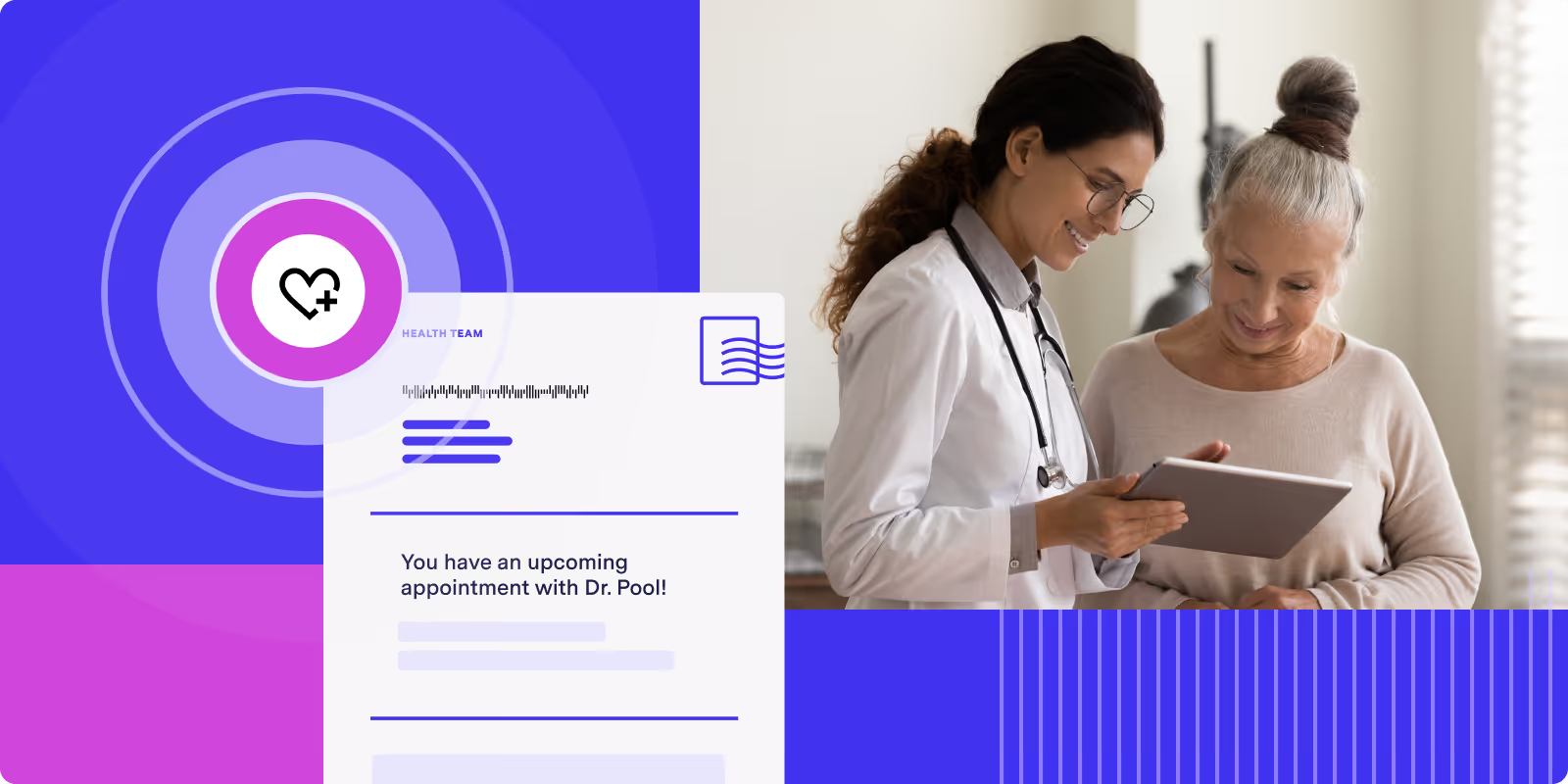
Missed appointments create friction for healthcare teams and can disrupt both patient access and staff workflows. While email and SMS reminders can help, they do not always reach every patient consistently.
Direct mail automation gives healthcare organizations another way to support appointment reminders and patient outreach. With the right workflow, teams can connect scheduling or patient data to an automated print and mail process that reduces manual work and helps important communications move more consistently.
Why direct mail still matters for healthcare outreach
Healthcare teams use direct mail for appointment reminders and patient outreach because it adds a physical channel to the broader communication mix. Instead of relying only on digital messages, teams can use mail to support reminders, follow-up communications, and member outreach in a more repeatable way.
That can be especially useful when organizations want to reach patients with different communication preferences or strengthen engagement across channels. For teams already thinking about direct mail ROI, mail is often most effective when it supports a broader outreach strategy rather than operating on its own.
Physical mail can also feel more visible and easier to reference later. A reminder postcard or letter may stay in a patient’s home longer than a digital notification that gets buried in an inbox or ignored on a phone.
How automated direct mail works for appointment reminders
Automation removes many of the manual steps from the mailing process. Once a workflow is set up, the system can use patient and scheduling data to trigger print and mail without requiring staff to manage each piece by hand.
Data flows from your healthcare systems
Patient data such as names, mailing addresses, and appointment dates can flow from an EHR, practice management system, or CRM into a mail workflow. That system connection is what makes automation possible.
Triggers send reminders based on timing or events
Automation rules determine when a piece is sent. A workflow might trigger when an appointment is booked, when a visit is a certain number of days away, or when a patient has not responded to earlier outreach.
Common triggers include:
- Time-based triggers: Send a reminder a set number of days before an appointment
- Event-based triggers: Send a confirmation when an appointment is scheduled or updated
- Follow-up triggers: Send a mailed reminder after earlier outreach does not drive a response
Mail is produced and sent automatically
Once a trigger fires, the system generates the mail piece using the approved template and recipient data. The piece then moves into production and enters the mail stream with less manual staff handling than an in-house process.
Delivery data can support visibility
Modern mail workflows can provide status updates that help teams understand when mail has moved through production and delivery. That visibility can make patient communications easier to track over time.
Benefits of automating patient appointment reminders by mail
Support for fewer missed appointments
Reminder programs are designed to help patients remember upcoming visits and take action when needed. Direct mail can support that effort by adding another touchpoint alongside digital outreach.
Less manual work for staff
Automation can reduce the time staff spend printing, sorting, and mailing reminders. That gives administrative teams more room to focus on scheduling, support, and other patient-facing tasks.
More consistent patient communications
Automated workflows can help teams keep branding, formatting, and template use more consistent across mailings. Direct mail can also help organizations reach patients who are more likely to respond to physical communications.
Healthcare communications that can be automated by mail
Automated mail can support more than appointment reminders. It can also be used for preventive care outreach, member enrollment and benefits notices, post-visit follow-ups, billing statements, and payment reminders.
That flexibility matters because healthcare teams often need different communication types to run through one process instead of managing separate manual workflows.
How to build an automated reminder workflow
A strong workflow starts with clear rules, approved templates, and reliable system connections.
1. Define the trigger events
Start by identifying what should initiate a mailing. That could be a booked appointment, a date threshold before a visit, or a specific outreach event.
2. Segment your patient or member lists
Segmentation helps teams send more relevant communications. Groups may be based on appointment type, provider, location, plan type, or communication preferences.
3. Design compliant templates
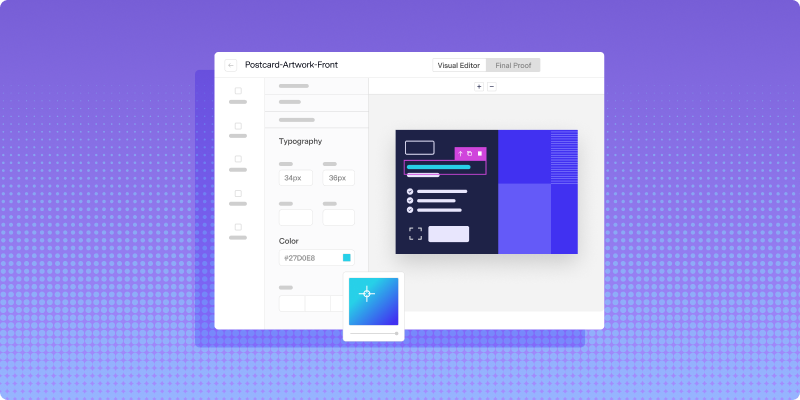
Templates should be reviewed in advance and built to support both personalization and privacy requirements. Variable fields can be added for patient name, appointment details, or office information.
4. Set timing and workflow rules
Define when pieces should be sent, how often reminders should go out, and when certain patients should be excluded from the workflow. That helps keep the process more controlled and consistent.
5. Test before launch
Before a full rollout, test the workflow with a smaller batch. That gives teams a chance to review data mapping, check template output, and confirm that triggers are working as expected.
How mail automation connects with healthcare systems
Integration is what makes healthcare mail automation scalable. Without that system connection, teams are still relying on manual exports and handoffs.
A direct or structured connection to your EHR, practice management system, or CRM can help appointment and patient data move into the mail workflow more efficiently. For organizations with more complex infrastructure, API-driven workflows can support more flexibility, which is one reason teams evaluating direct mail services often look closely at integration options, not just print output.
How to personalize healthcare mail at scale
Variable data printing makes it possible to personalize each piece without creating a separate manual workflow for every recipient. That can help organizations make communications feel more relevant while still working at scale.
Personalized elements may include:
- Patient name and address
- Appointment date, time, and location
- Provider or office name
- Messaging based on visit type or outreach goal
Privacy and compliance considerations
Healthcare mail workflows need to balance operational efficiency with privacy, accuracy, and security requirements. Organizations should be thoughtful about what appears on the mail piece, especially when the content relates to appointments, care, or billing.
Address quality also matters. Verifying addresses before production can help reduce returns and support a more reliable outreach program.
How to track reminder performance
Tracking matters when teams want to understand whether reminder mail is arriving and whether the workflow is supporting outreach goals.
When mail status data is available inside the platform, teams have a clearer view into production and delivery activity. Organizations may also use tools like QR codes, response URLs, or linked workflows to understand whether patients are taking action after receiving a mail piece. That is also where more informed direct mail optimization work can start to take shape.
How direct mail fits into a multi-channel strategy
Direct mail usually works best when it is part of a broader communication plan. It can complement email, SMS, and phone outreach rather than replace them.
For example, a team might send digital reminders first, then use direct mail for patients who have not responded or for communications that need a more visible physical format.
What to look for in a healthcare mail platform
Healthcare organizations evaluating mail automation usually need to look beyond print alone. Data handling, privacy safeguards, system integration, delivery visibility, and personalization support all matter when patient information is involved.
Healthcare teams also often need a process that is easier to manage at scale, especially when multiple communication types are involved.
A more manageable way to support patient outreach
Automating appointment reminders and patient outreach by mail can help healthcare teams reduce manual effort, improve consistency, and build a workflow that is easier to manage over time. For teams exploring how Lob could fit into that process, Book a demo.
FAQs

How much does automated direct mail cost compared to in-house mailing?
Costs vary based on format, volume, workflow complexity, and internal resources. For some teams, automation may reduce manual work and operational overhead compared with managing the full process in-house.
How long does automated direct mail take to reach patients?
Delivery timing depends on production schedules, mail class, and destination. Timelines can vary, so organizations usually need to plan based on the type of communication being sent.
What happens if a patient’s mailing address is incorrect?
Address verification can help catch some issues before a piece is produced. If a mail piece is still returned, the workflow should make that visible so the address can be updated and the communication resent if needed.
Can automated mail include variable appointment dates and provider details?
Yes. Variable data printing allows each piece to include recipient-specific information pulled from the connected system or approved data source.
Answered by:

Sam Melero
.png)