
Your CRM already contains the data that shapes your customer relationships. It tracks new leads, purchases, account activity, engagement, renewals, churn signals, and other important lifecycle moments.
The challenge is turning that data into direct mail without creating a separate manual process.
Lob connects direct mail to the systems and workflows marketing teams already use. Instead of exporting lists, coordinating with multiple vendors, and waiting for batch campaigns, teams can trigger personalized mail using CRM data and track each mailpiece through production and delivery.
This makes direct mail easier to use across onboarding, retention, reactivation, loyalty, and other lifecycle programs.
What direct mail automation means for CRM and lifecycle marketing
Direct mail automation uses customer data and predefined rules to create, print, and send physical mail automatically.
A customer action or data change becomes the trigger. For example:
- A lead reaches a specific score
- A prospect moves to a new deal stage
- A customer completes their first purchase
- An account approaches its renewal date
- A subscriber becomes inactive
- A loyalty member reaches a new tier
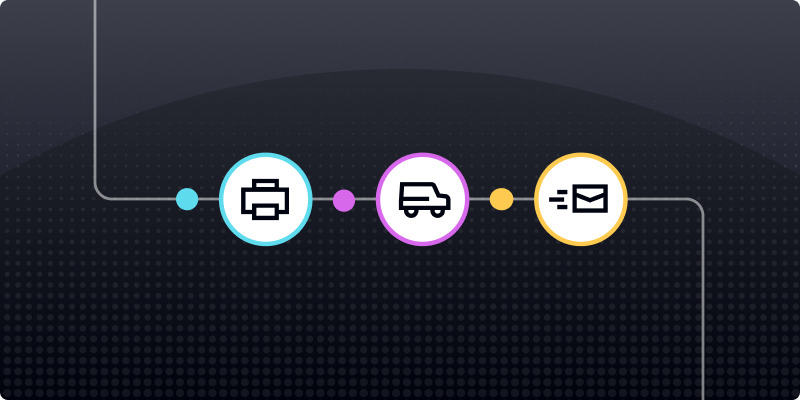
The direct mail platform receives the relevant customer data, generates the appropriate mailpiece, verifies the mailing address, sends the piece to production, and provides delivery updates.
This allows direct mail to operate as part of the same lifecycle strategy as email, SMS, paid media, and in-app messaging.
Teams can learn more about connecting these systems in Lob’s guide to direct mail automation and the marketing technology stack.
Traditional direct mail vs direct mail automation
The difference is especially important for lifecycle campaigns.
A list exported several weeks before a campaign launches may already contain outdated information. Some recipients may have converted, churned, renewed, or received another offer by the time the mail arrives.
Automated workflows use more current data, helping teams reach customers with messaging that matches where they are in the lifecycle.
Where direct mail fits in the customer lifecycle
Direct mail does not need to replace email or other digital channels. It can support important moments when another email may not be enough.
Acquisition and conversion
Direct mail can help marketing and sales teams reach high-value prospects, reinforce an account-based marketing campaign, or follow up after strong buying signals.
A mailpiece could be triggered when:
- A lead reaches a qualification threshold
- A target account visits a pricing page
- A prospect attends an event or webinar
- An opportunity enters a key sales stage
Onboarding and activation
A physical welcome piece can make a new customer relationship feel more intentional while guiding the recipient toward the next step.
Common onboarding campaigns include:
- Welcome postcards
- Setup guides
- First-purchase thank-you cards
- Referral offers
- Product education mailers
Retention and loyalty
CRM data can identify milestones worth recognizing, including anniversaries, repeat purchases, loyalty upgrades, and account achievements.
Direct mail can support these moments with:
- Anniversary cards
- Loyalty rewards
- VIP offers
- Personalized product recommendations
- Early-access announcements
Reactivation and winback
Inactive customers may stop engaging with digital messages while still responding to a well-timed physical mailpiece.
Teams can use declining activity, reduced purchase frequency, canceled subscriptions, or other churn indicators to trigger a winback offer. Lob explains how these signals work in its guide to connecting direct mail to product signals and CRM data.
Why CRM and lifecycle teams need a modern direct mail platform
Direct mail often becomes difficult because the campaign is disconnected from the systems that manage customer data and digital communication.
That creates several operational problems.
Too many manual handoffs
Exporting lists, transferring files, approving proofs, and coordinating print production can slow down a campaign. Each additional handoff also creates another opportunity for mistakes.
Outdated customer data
Batch workflows may rely on a snapshot of customer information rather than current activity. This can result in irrelevant offers, duplicate communication, or mail sent to customers who no longer belong in the segment.
Limited visibility
Traditional workflows may confirm that a campaign entered production without providing detailed information about individual mailpieces.
Without delivery data, marketing teams have a harder time coordinating follow-up communication or investigating campaign delays.
Inconsistent personalization
Customer data may be available in the CRM but never make it into the mailpiece. The campaign ends up using generic messaging even when the team has the information required to make it more relevant.
Disconnected measurement
When direct mail results remain separate from digital reporting, it becomes difficult to understand the channel’s contribution or improve future campaigns.
A modern direct mail platform addresses these challenges by connecting data, campaign execution, production, delivery, and measurement.
What sets Lob apart for CRM and lifecycle marketing
Lob brings direct mail creation, automation, personalization, production, delivery tracking, and measurement together in one platform.
This allows teams to build physical mail into existing lifecycle workflows without managing an entirely separate campaign process.
Flexible connections to your marketing technology stack
Lob can connect with CRMs, marketing automation platforms, customer data platforms, data warehouses, and custom internal systems.
Depending on the team’s technology and campaign requirements, these connections can use:
- APIs
- Webhooks
- Prebuilt integrations
- No-code workflows
- Custom data connections
This flexibility allows teams to use customer data from their existing systems without rebuilding their entire marketing technology stack.
Trigger-based campaign execution
Lifecycle marketing depends on responding to customer behavior at the right time.
Lob lets teams connect mail sends to actions, events, and data changes instead of relying only on fixed batch schedules.
A campaign can be designed to respond when:
- A customer abandons a cart
- A user reaches a product milestone
- A subscription approaches renewal
- A customer stops purchasing
- A lead becomes sales-qualified
- An account changes status
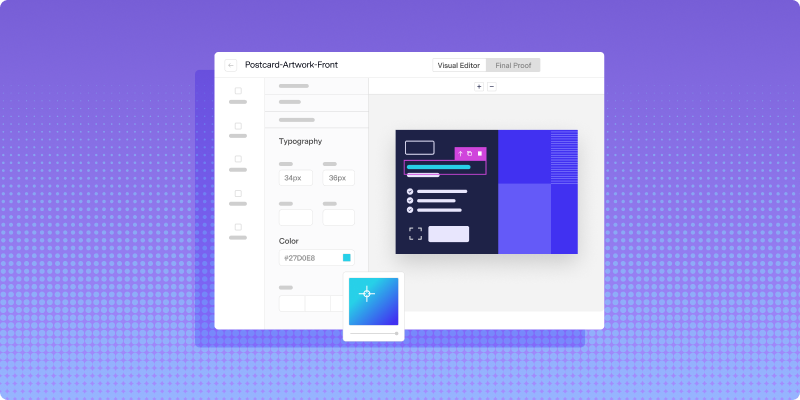
The team defines the trigger, audience rules, creative, and personalization fields. Lob then handles the process of generating and sending the mailpiece.
Personalized creative using CRM data
Personalization can include much more than the recipient’s name.
CRM and behavioral data can be used to change:
- Headlines
- Images
- Offers
- Product recommendations
- Loyalty information
- Account details
- Expiration dates
- QR codes
- Personalized URLs
- Calls to action
Conditional logic can also determine which content appears for different customer segments.
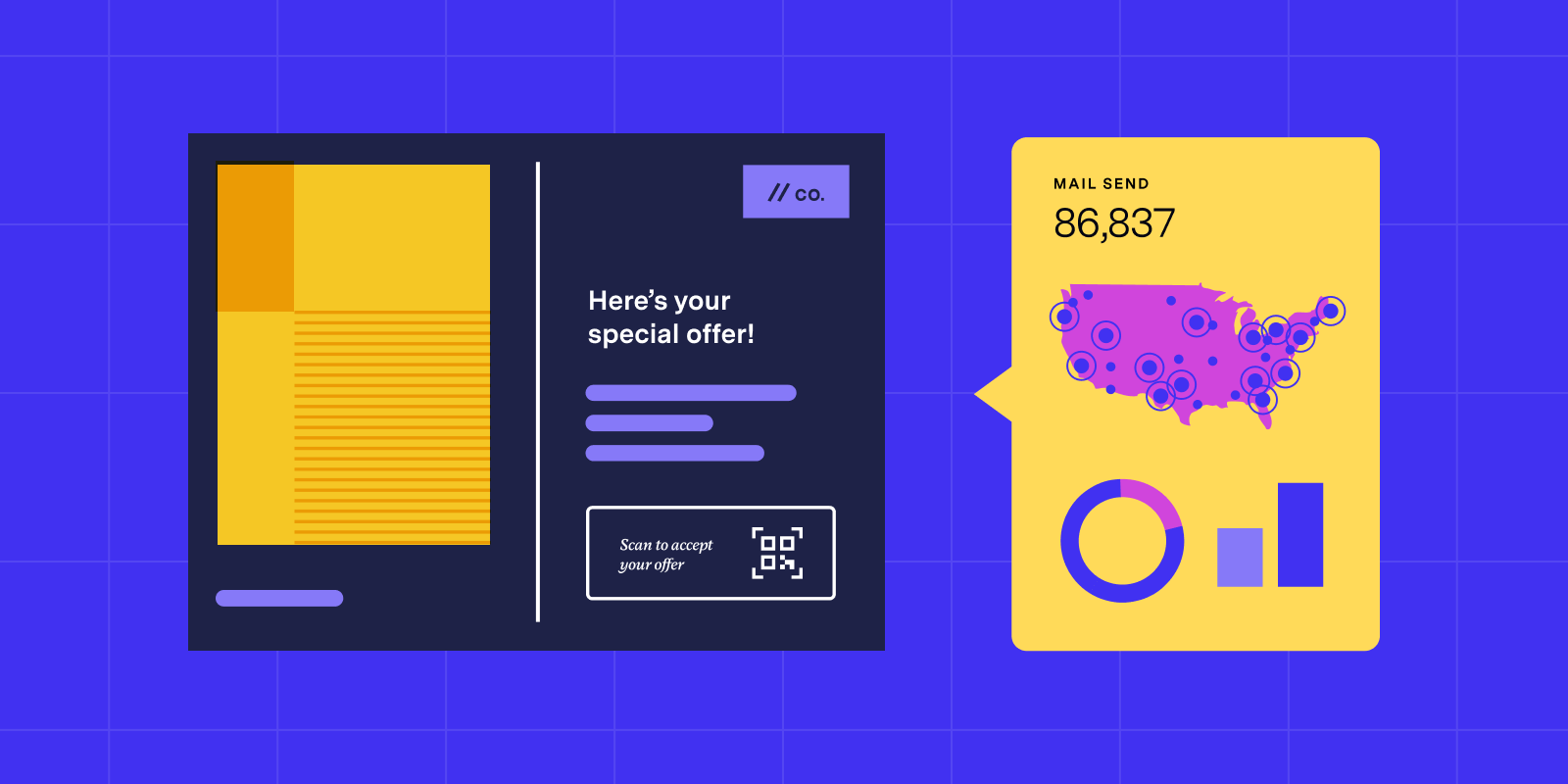
A loyalty customer might receive one offer, while a first-time buyer receives a different message from the same reusable template. Lob’s guide to personalization in direct mail explains how customer data can inform both creative and campaign timing.
Address verification and data quality
Customer data cannot support a successful campaign when the address is incomplete, incorrectly formatted, or no longer deliverable.
Lob’s address verification capabilities help standardize and verify address information before a mailpiece enters production. This can reduce wasted printing and postage while helping more pieces reach their intended recipients.
Address verification can be built into customer forms, CRM workflows, checkout experiences, and campaign preparation processes.
Production through Lob’s Print Delivery Network
Connecting customer data to a mail workflow only solves part of the problem. The campaign still needs to be printed, routed, and delivered consistently.
Lob’s Print Delivery Network manages production across multiple facilities. Mail can be routed through the network based on factors such as capacity, location, campaign requirements, and delivery needs.
This gives teams one platform for campaign execution while Lob manages the underlying production process.
Mailpiece tracking and delivery events
Lob provides tracking events that give teams visibility into the progress of individual mailpieces.
Depending on the mail format and available delivery data, events can show when a piece has been processed, entered the mailstream, moved through delivery, or reached its destination.
These events can support cross-channel coordination. For example, a team might use a delivery event to:
- Send a follow-up email
- Notify a sales representative
- Update a customer record
- Start a retargeting campaign
- Measure responses within a defined attribution window
Lob provides more detail about these capabilities in its guide to tracking direct mail campaign performance.
Cross-channel campaign orchestration
Direct mail is most useful when it supports the rest of the customer journey rather than operating as an isolated campaign.
A coordinated workflow might look like this:
- A customer abandons an online cart.
- The customer receives an email reminder.
- Customers who do not return within a defined period receive a personalized postcard.
- A delivery event triggers a second email or paid media audience.
- The team tracks purchases using campaign-specific URLs, QR codes, or offer codes.
The same model can be used for onboarding, renewal, loyalty, and reactivation campaigns.
Lob’s guide to orchestrating direct mail with email and digital channels provides additional examples of coordinated campaigns.
Security and compliance support
Lifecycle campaigns may involve personally identifiable information, account data, healthcare information, or other sensitive customer records.
Lob maintains security controls and supports organizations working under requirements such as SOC 2 and HIPAA. Its platform and print network are regularly assessed to help teams manage customer data and mail production securely.
Companies should still evaluate a direct mail platform based on their own legal, privacy, industry, and data-handling requirements. Lob outlines important evaluation criteria in its guide to direct mail provider certifications.
Direct mail vs email marketing in a lifecycle program
The strongest strategy is not choosing one channel over the other. It is assigning each channel a clear role and coordinating the timing between them.
Email is useful for frequent communication, transactional updates, and lower-cost touchpoints. Direct mail is often better suited to high-value moments that benefit from a physical experience.
Direct mail best practices for CRM and lifecycle campaigns
Start with a defined customer moment
Choose a specific lifecycle event instead of launching a broad campaign without a clear purpose.
Examples include a first purchase, declining engagement, renewal, account activation, or loyalty milestone.
Use current behavioral data
Trigger campaigns from recent actions and updated CRM fields whenever possible. This reduces the risk of sending irrelevant messages based on stale lists.
Verify addresses before production
Build address verification into the workflow before a piece is printed. Fixing address problems earlier can reduce waste and campaign delays.
Personalize the message, not only the greeting
Use customer data to shape the offer, imagery, product recommendation, and call to action.
Coordinate mail with digital communication
Decide how email, SMS, paid media, and sales outreach should respond before and after the mailpiece arrives.
Track the full campaign
Monitor production and delivery events along with QR code scans, personalized URL visits, offer redemptions, purchases, or other campaign outcomes.
Test one variable at a time
Test formats, messaging, offers, images, timing, or audience criteria. Clear test design makes it easier to understand what influenced the result.
How to evaluate a direct mail platform for CRM and lifecycle marketing
Before choosing a platform, determine whether it can support the way your team manages customer journeys.
Ask:
- Can it connect to your CRM, marketing automation platform, or customer data system?
- Can customer actions trigger individual mailpieces?
- Does it support personalized and conditional creative?
- Can it verify addresses before production?
- Does it provide mailpiece-level production and delivery events?
- Can those events flow back into your reporting systems?
- Does it support your organization’s security and compliance requirements?
- Can it manage both campaign execution and print production?
- Can marketers use it without relying on engineering for every change?
- Does it provide an API for teams that need custom workflows?
Lob brings these capabilities together through its campaign tools, integration options, API, address verification, Print Delivery Network, and tracking data.
Build a connected lifecycle direct mail program with Lob
Direct mail becomes more useful when it runs on the same customer data and campaign logic as the rest of your marketing program.
Lob helps CRM and lifecycle teams automate personalized mail, connect it to customer behavior, manage production, verify addresses, and track delivery through one platform.
Instead of treating direct mail as a separate batch campaign, teams can make it a coordinated part of onboarding, retention, loyalty, reactivation, and cross-channel marketing.
Book a demo to see how Lob can connect direct mail to your CRM and lifecycle workflows.
Frequently asked questions about Lob for CRM and lifecycle marketing
FAQs

What is direct mail CRM integration?
Direct mail CRM integration connects customer records and CRM events to a platform that creates and sends physical mail. It allows teams to trigger mail based on customer data instead of manually exporting lists for every campaign.
Can Lob connect with CRM and lifecycle marketing platforms?
Yes. Lob can connect with CRM, marketing automation, customer data, and other marketing systems. Depending on the system and campaign requirements, teams may use APIs, webhooks, prebuilt integrations, or no-code workflows.
Can Lob trigger direct mail based on customer behavior?
Yes. Lob can use data passed from a CRM, marketing automation platform, customer data platform, or internal system to trigger mail based on actions, milestones, status changes, or other campaign rules.
Can marketers use Lob without building a custom integration?
Some teams can use Lob’s campaign tools, supported integrations, or no-code workflows. More complex campaigns can be built using Lob’s API and webhooks.
Can Lob personalize each mailpiece using CRM data?
Yes. Customer data can be used to personalize names, messaging, offers, images, account details, QR codes, personalized URLs, and other variable elements.
How does Lob track direct mail delivery?
Lob uses available postal data to provide production and delivery events for individual mailpieces. Teams can view this information in Lob or pass events to other systems using APIs and webhooks.
Does Lob support HIPAA and SOC 2 requirements?
Lob maintains security and compliance controls aligned with requirements including SOC 2 and HIPAA. Organizations should review Lob’s current security documentation and evaluate the platform against their own legal, privacy, and industry requirements.
How long does it take to launch an automated direct mail campaign?
Launch time depends on the systems being connected, the complexity of the workflow, the creative requirements, and the organization’s review process. A simple integration may be launched more quickly than a custom API implementation.
Answered by:

Sam Melero