
Production issues can completely derail a direct mail campaign, and unfortunately, they often don't show up until after a job is queued. When a template renders incorrectly, a merge variable breaks, or an image URL shows up empty, your mail won't hit the mailstream on time. The cost? A reprint, a disruptive delay, and a compliance risk for transactional mailers.
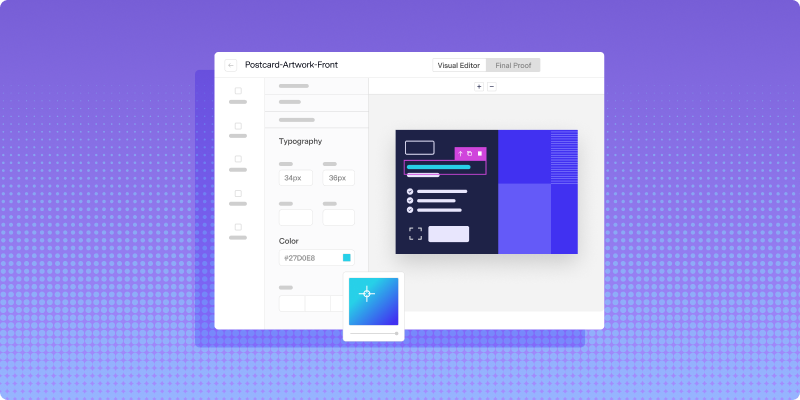
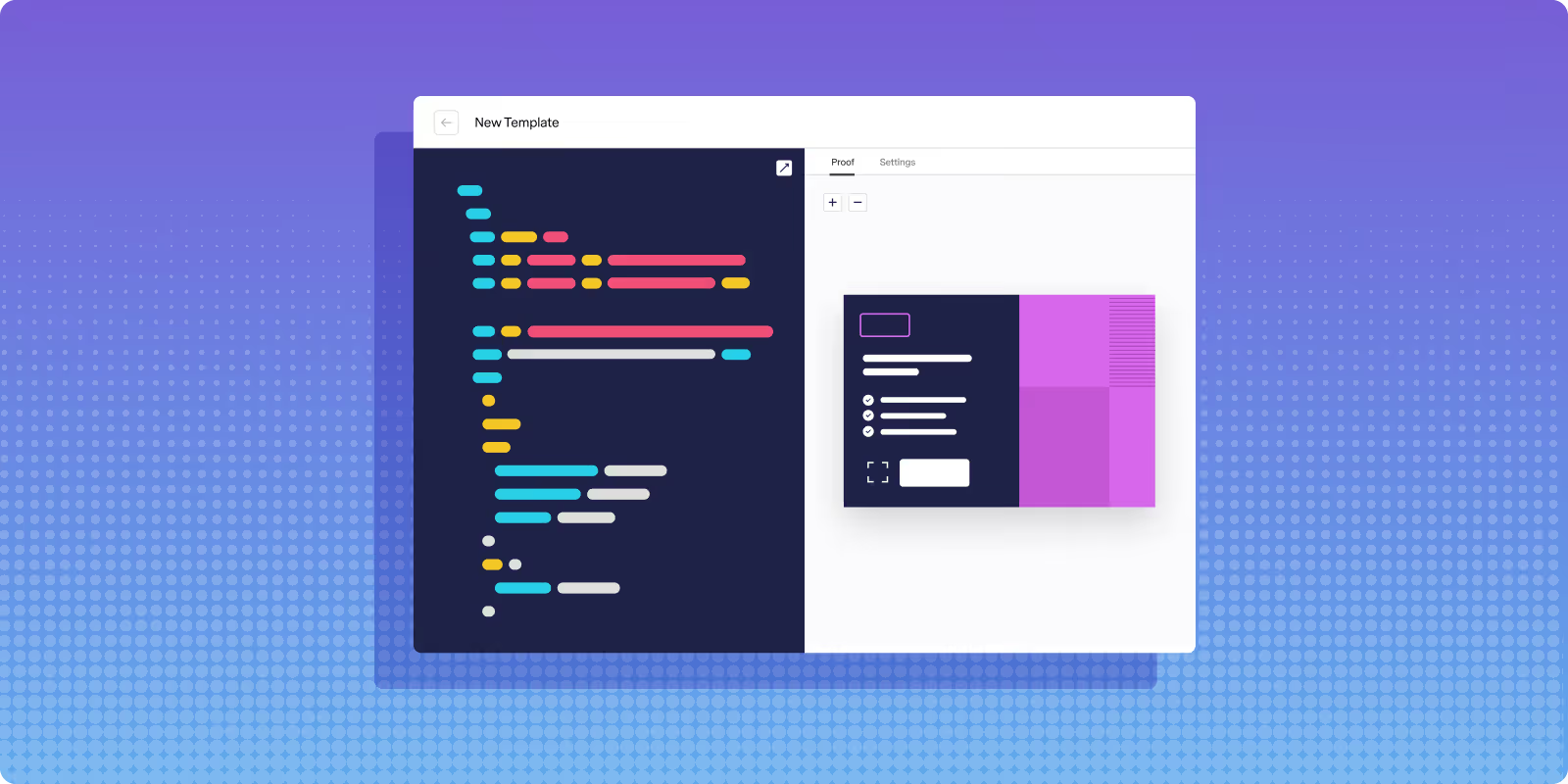
HTML validation for direct mail is the practice of checking your template code before it ever reaches production. Lob's template builder now makes this easier with a real-time visual proof experience built directly alongside the HTML editor. As you build your template, you can generate a rendered proof of your mail piece in the same view – and see rendering errors in real time.
Common HTML errors that cause direct mail problems
To understand why validation matters, it helps to know what actually breaks, and how often. Here are the top three failures we see, based on the millions of mail pieces that run through Lob:
1. Asset URL Issues
If an image or asset referenced in your template has been moved, deleted, or is behind access restrictions, it won’t render in the template. The design might look intact in your editor, but the output will show a blank where your image should be. Be sure to validate with the actual hosted URLs your production environment will use.
2. Broken merge variables
Variable data is one of modern direct mail's biggest advantages, and one of its most common failure points. A missing closing brace, a misspelled field name, or a variable that references data that doesn't exist in your record set will cause your template to fail, or worse, render the raw variable syntax directly on the mail piece. Every variable in your template should map to a confirmed field in your data.
3. Broken HTML syntax
A small typo, like an unclosed tag or a missing quotation mark, can prevent a template from rendering at all. Print renderers don't tolerate malformed HTML the way browsers do. What a browser auto-corrects and displays anyway, a print renderer will reject.
Key elements of valid direct mail HTML
Knowing how to spot potential rendering errors is critical, and so is understanding what makes a best-in-class, production-ready template. When reviewing any direct mail template, keep these high-priority structural requirements in mind:
- Proper document structure and closing tags: Every tag opened needs to be closed. Print renderers are strict about this.
- Embedded CSS for print output: External stylesheets and linked CSS often don't load in print environments. CSS should be inlined or embedded directly in the document.
- Image specifications for high-quality print: Images should be high resolution (300 DPI minimum) and sized correctly for the physical dimensions of the piece.
- Bleed and safe zone compliance: Content that needs to reach the edge of the piece requires bleed. Critical content (text, logos, CTAs) should stay within the safe zone to avoid being trimmed.
- Variable data field formatting: Merge variables need to follow the correct syntax for your platform and map to actual fields in your recipient data.
When these elements are in place and validated before submission, the risk of a production failure drops significantly. That's exactly the problem Lob's HTML validation tool is built to solve.
Protect your mail sends with HTML validation
Template errors in direct mail lead to costly reprints, delays, campaigns that miss the mark, and potential compliance issues for transactional mail. HTML validation protects against these risks by moving the error-checking step earlier in the process, where errors are faster and cheaper to fix.
Lob's real-time proof experience brings that validation directly into the template builder, so you see exactly what will print, well before a file goes to production.
FAQs

Can you use the same HTML templates for email and direct mail?
Not as a direct copy-paste. Email HTML is optimized for screen rendering across different email clients, while direct mail HTML has to meet print specifications: fixed physical dimensions, CMYK color space, high-resolution assets, embedded CSS, and bleed requirements. You can use a similar structure, but the templates themselves need to be built specifically for their output medium.
What image format works best for print-quality direct mail?
High-resolution PNG or TIFF files at 300 DPI or higher are the standard for print quality. JPEG can work at sufficient resolution, but watch for compression artifacts that become visible in print. Always size images to their actual print dimensions. Scaling up a low-resolution image doesn't add detail, it just makes the problem bigger.
How do you validate HTML templates that include variable data fields?
Test with a realistic sample data set that includes edge cases: long names, missing optional fields, special characters. Check that every variable in the template maps to a confirmed field, uses the correct syntax for your platform, and has a fallback defined for any optional fields. Run a proof with actual data, not placeholder text, before approving the final file.
Does HTML validation check mailing address formatting?
HTML validation focuses on template rendering (layout, code structure, assets, and variable syntax). Address validation is a separate process. Lob handles address verification independently, checking deliverability and formatting against USPS standards before mail enters production.
Answered by: